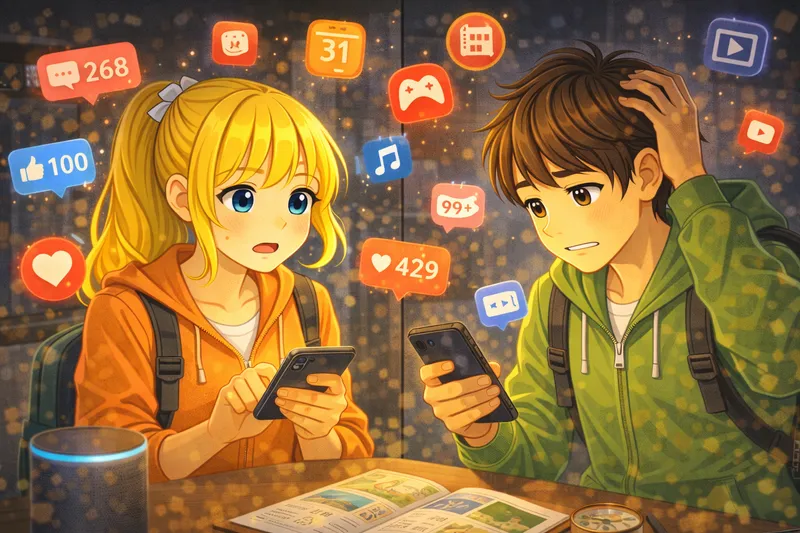
Emma has a new phone. It is a birthday gift from her parents. Emma is very happy. She wants to send a message to her friend Lisa. Emma opens the phone. The screen is bright and colorful. She sees many small pictures on the screen. These pictures are called icons. Emma looks for the message icon. She finds it at the bottom of the screen. The icon looks like a small envelope. Emma taps the icon with her finger. A new page opens. She sees a list of her contacts. Emma finds Lisa's name in the list. She taps on Lisa's name. Now she can write a message. There is a white box at the bottom. Emma taps the box. A keyboard appears on the screen. Emma types her message slowly. She writes: 'Hi Lisa! I have a new phone!' Emma reads her message again. There are no mistakes. She looks for the send button. The button is blue with a small arrow. Emma taps the send button. The message flies away! Emma waits for a reply. After two minutes, the phone makes a sound. Lisa writes back: 'That is great! Call me later!' Emma smiles. Sending messages is easy! She loves her new phone.

English Story (A1)Sending a Message
aboutStory
Emma wants to send a message to her friend. She learns how to use her new phone. It is easy and fun!
1 / 34
🇬🇧→🇬🇧Click any sentence for translation
Translations are shown in the app language, which is also the language of this story. Which language do you speak?
Test your English skills with interactive exercises
Match 10 wordsFill 7 blanksReorder 7 sentencesDictate 7 sentences