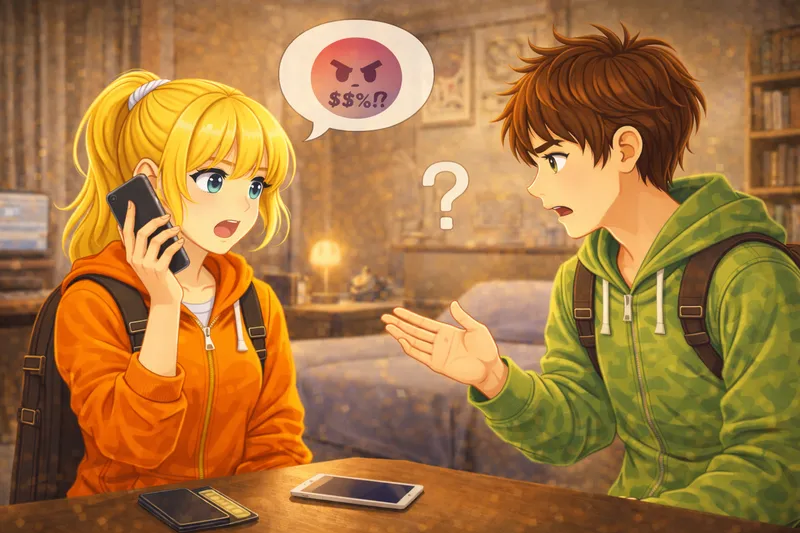
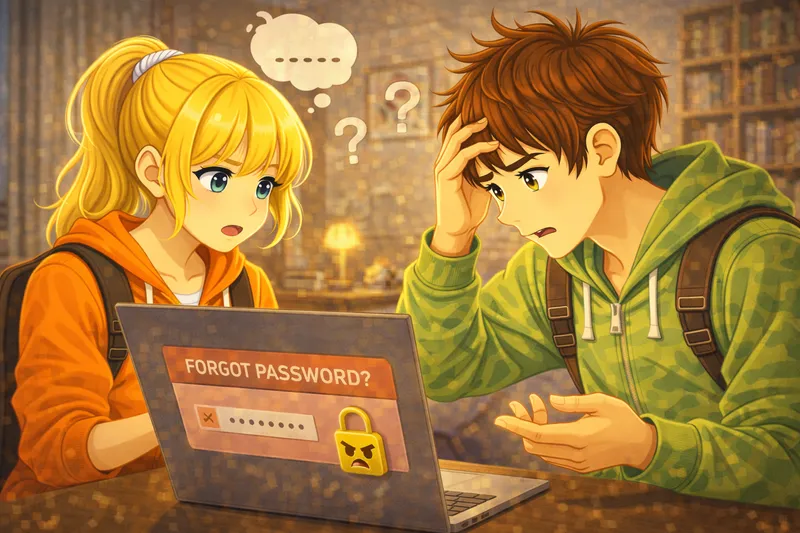
Tom sits at his desk. He opens his laptop. Tom wants to check his email. He types his email address. Now he needs to type his password. Tom thinks for a moment. What is his password? He tries his birthday. The password is wrong. He tries his cat's name. Wrong again! Tom is getting frustrated. He tries one more time. This time he types his favorite number. Wrong password, third attempt. The screen shows a warning. 'Too many wrong attempts.' Tom sighs. He clicks on 'Forgot password?' The website asks for his phone number. Tom types his number. His phone buzzes. He receives a code. Tom types the code on the website. Now he can create a new password. He thinks carefully. This time, he will remember the password. He types a new password. The website says the password is too short. Tom adds more letters and numbers. Finally, the new password works. Tom can now read his emails. But first, he writes the password on a paper. He puts the paper in his drawer. Tom smiles and starts reading his emails.
English Story (A1)Forgot the Password
aboutStory
Tom forgets his email password and tries several wrong combinations. After too many failed attempts, he clicks on 'Forgot password' and receives a code on his phone. He creates a new password, but it's too short at first. Finally, he logs in successfully and writes down the new password so he won't forget it again.
1 / 35
🇬🇧→🇬🇧Click any sentence for translation
Translations are shown in the app language, which is also the language of this story. Which language do you speak?
Test your English skills with interactive exercises
Match 10 wordsFill 7 blanksReorder 7 sentencesDictate 7 sentences